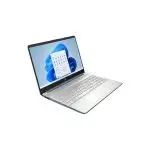
If your computer feels unbearably slow when starting up or opening files, you’re not alone. Many people in Bangladesh face the same issue daily. The solution? It’s time to upgrade to an SSD. From booting your system in seconds to transferring large files in the blink of an eye, an SSD (Solid State Drive) completely changes how your computer performs—whether it’s a desktop or laptop.
At Tech Shoppers BD, we bring you fast, reliable, and affordable SSD options for every user—from students and gamers to professionals and small businesses.
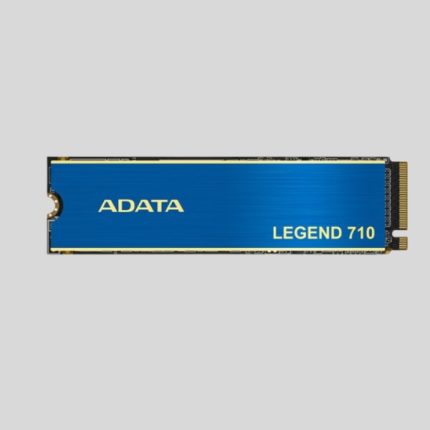
ADATA LEGEND 710 1TB PCIE GEN3 X4 M.2 2280 SSD
Original price was: 8,200৳ .7,800৳ Current price is: 7,800৳ .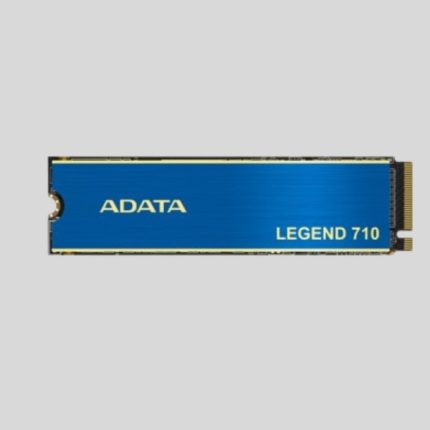
ADATA LEGEND 710 256GB PCIE GEN3 X4 M.2 2280 SSD
Original price was: 3,500৳ .2,600৳ Current price is: 2,600৳ .
ADATA LEGEND 710 2TB PCIE GEN3 X4 M.2 2280 SSD
Original price was: 14,700৳ .14,000৳ Current price is: 14,000৳ .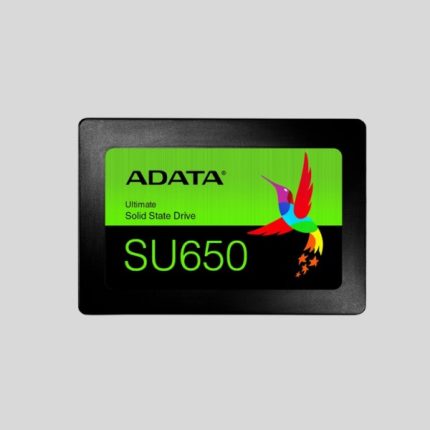
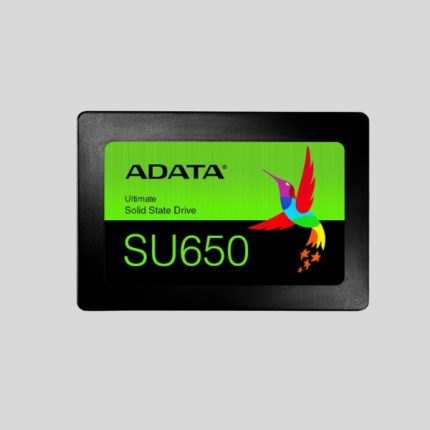
ADATA SU650 512GB SATA SSD
Original price was: 9,800৳ .5,400৳ Current price is: 5,400৳ .Key Features:
- Model: SU650
- Capacity 512GB
- Form Factor 2.5″
- 3D NAND Flash
- Interface: SATA 6Gb/s
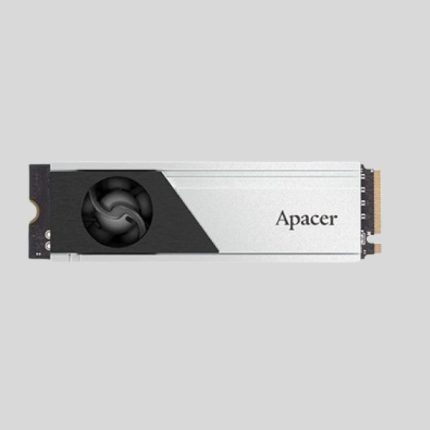
Apacer AS2280F4 1TB M.2 2280 Gen5 Internal SSD
Original price was: 26,000৳ .23,000৳ Current price is: 23,000৳ .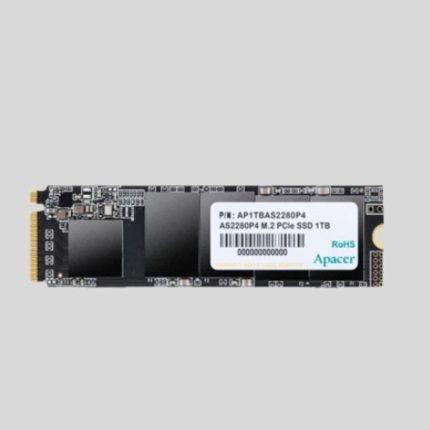
Apacer AS2280P4 1TB M.2 PCIe Gen 3 x4 SSD
Original price was: 8,200৳ .7,800৳ Current price is: 7,800৳ .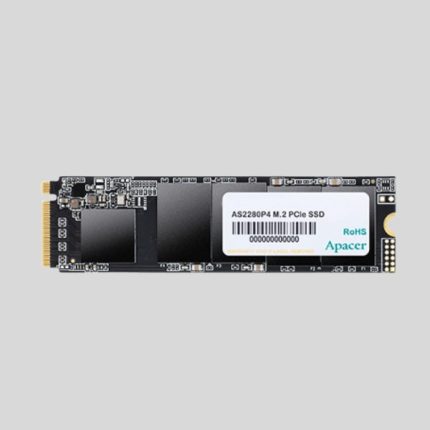
Apacer AS2280P4 M.2 PCIe 256GB SSD
Original price was: 3,500৳ .2,500৳ Current price is: 2,500৳ .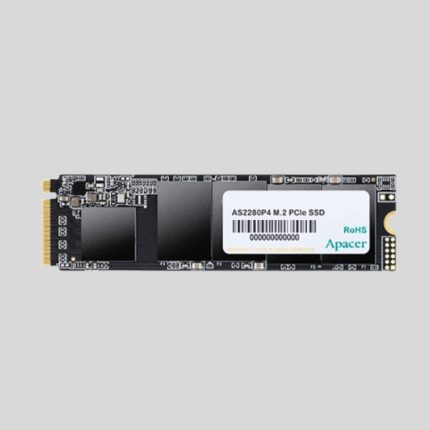
Apacer AS2280P4 M.2 PCIe 512GB SSD
Original price was: 5,500৳ .4,250৳ Current price is: 4,250৳ .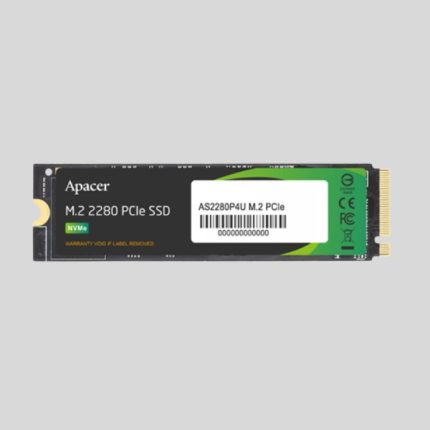
APACER AS2280P4U 256GB M.2 PCIe Gen3 x4 SSD
Original price was: 3,500৳ .2,900৳ Current price is: 2,900৳ .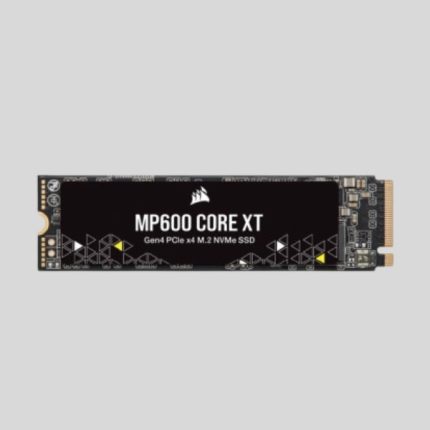
CORSAIR MP600 CORE XT 1TB PCIE 4.0 GEN4 X4 NVME M.2 SSD
Original price was: 28,000৳ .26,500৳ Current price is: 26,500৳ .Model: MP600 CORE XT
Interface: PCIe Gen 4.0 x4
Form Factor: M.2 2280
Sequential Read: Up to 5,000MB/s
Sequential Write: Up to 3,500MB/s

CORSAIR MP600 CORE XT 2TB PCIE 4.0 GEN4 X4 NVME M.2 SSD
Original price was: 18,900৳ .17,500৳ Current price is: 17,500৳ .What Makes SSDs So Much Faster?
A regular hard disk uses spinning parts to read data. That’s why it’s slow, noisy, and wears out faster. An SSD, however, uses flash memory—meaning no moving parts. That makes it faster and more durable.
Here’s how you benefit:
- Your PC starts in 10–15 seconds
- Apps open instantly
- Files transfer much quicker
- There’s less heat and noise
After you try an SSD, you’ll never want to go back to an old hard drive.
Who Needs an SSD Upgrade?
In short—everyone. But here are some situations where an SSD can make a huge difference:
- Students juggling online classes, video lectures, and assignments.
- Gamers who need faster loading times and smoother performance.
- Office workers running heavy Excel files or database programs.
- Designers and editors working with large image or video files.
Whatever your need, this one upgrade brings life back to your system.
Planning a full PC build? Don’t forget to match your drive with a high-quality AMD Processor for smooth, lag-free computing.
Different SSD Types – Choose What Fits You Best
Tech Shoppers BD offers a full range of SSD types, based on your device and performance needs:
SATA SSD
This is the most common type. It’s perfect for replacing old hard drives in desktops and laptops. Simple plug-and-play!
NVMe (M.2) SSD
If your motherboard supports NVMe, grab this one. It’s 5–7 times faster than SATA in terms of read/write speed. Ideal for gaming, video editing, or software like Adobe Premier.
Not sure which one fits? Contact our support team anytime for help—no tech talk, just easy understanding.
Also, if you're upgrading memory too, check our Desktop RAM section to complete your performance boost.
Say Goodbye to Lag and Long Loads
We all hate the wait—whether it’s for Windows to boot or a game to load its next level.
Upgrading to an SSD means you stop waiting and get things done quicker:
- Load games in seconds
- Open large projects without freezing
- Speed up daily tasks like browsing, copying, or editing files
It’s like getting a brand-new PC—without the high cost.
SSDs Last Longer and Keep Data Safer
HDDs wear down due to their moving parts, especially if you use your device 8–10 hours daily.
An SSD:
- Has no mechanical parts to break.
- Uses less power—great for laptops.
- Handles heat better—ideal for summer in Bangladesh.
- Is shock-resistant, offering more safety.
If you travel a lot or work on the go, it gives you peace of mind.
Easy to Install – No Extra Tools Needed
Worried about installation? Don’t be. Most of our customers do it themselves.
Here’s a simple process:
- Turn off your PC or laptop.
- Open the back panel or side case.
- Remove your old drive, and plug in the SSD.
- Close it, turn it on, and install Windows.
Don’t want to reinstall Windows? You can clone your existing drive to the new SSD using free software. Our support team can guide you through that too—just reach out.
Works with Any System – Old or New
Whether it’s a brand-new high-end PC or a 5-year-old laptop, an SSD brings big change.
- Desktops: Use SATA or NVMe depending on your motherboard.
- Laptops: Lightweight SSDs help improve battery life and keep your system cool.
Even with just 240GB or 480GB, you’ll feel the difference instantly.
Want something portable? Check our SSD External Drive section for plug-and-play speed anywhere you go!
FAQs (Frequently Asked Questions)
Q: Can I add an SSD to my old laptop?
A: Yes. Most laptops support 2.5” SATA SSD. Just remove the old hard drive and replace it.
Q: Does SSD speed up everything?
A: It speeds up startups, app opens, file transfers, boot time, and overall system performance.
Q: Do I still need an HDD with it?
A: Not always. But many people use one SSD for Windows and apps, and an HDD for storage.
Why Buy Your SSD from Tech Shoppers BD?
We know tech can be confusing. That’s why we make sure shopping here is easy, friendly, and safe.
When you buy your SSD from Tech Shoppers BD, you get:
- 100% original products with verified serials.
- Full manufacturer warranty.
- Fast Nationwide Delivery in Bangladesh.
- After-sales support (in Bangla and English).
- Best prices in the market.
We source directly from authorized distributors, so there's no chance of counterfeits. You receive what we promise—no surprises.
Complete Your Upgrade the Smart Way
Don’t stop at your drive. To get the full speed your system can offer, consider this trio:
- SSD for super-fast boot and apps.
- Minimum 8GB RAM for multitasking.
- A modern Motherboard that supports NVMe (for max speed).
We have it all in one place. You don’t need to shop around.
Want to see top-tier brands? Browse our full SSD Collection to compare features and find what fits your budget.
Final Verdict
If you're tired of a slow system holding you back, there's one simple fix: upgrade to an SSD.
It’s the easiest, fastest, and most affordable way to speed up any PC or laptop. No more freezes. No more waiting. Just smooth performance from the moment you turn your device on.
At Tech Shoppers BD, we’ve helped thousands across the country upgrade their systems with the right SSD. So when you're ready for the speed your device truly deserves, we’re here to help you make the right choice—at the right price.
Look through more SSDs from trusted brands right here: More from Trusted SSD Brands