


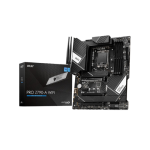
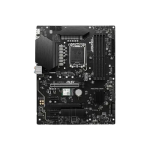
MSI PRO Z790-A MAX WIFI DDR5 12th/13th/14th GEN MOTHERBOARD
Original price was: 35,900৳ .33,400৳ Current price is: 33,400৳ .
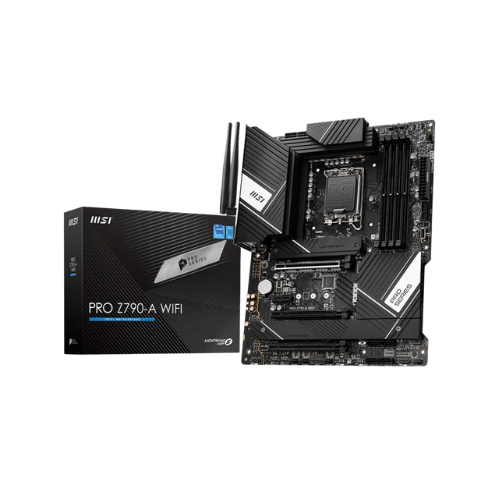
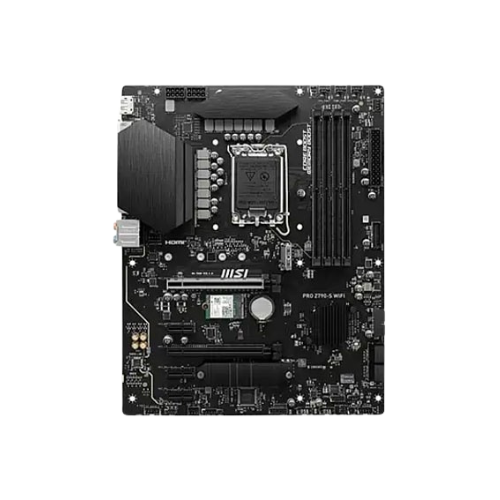
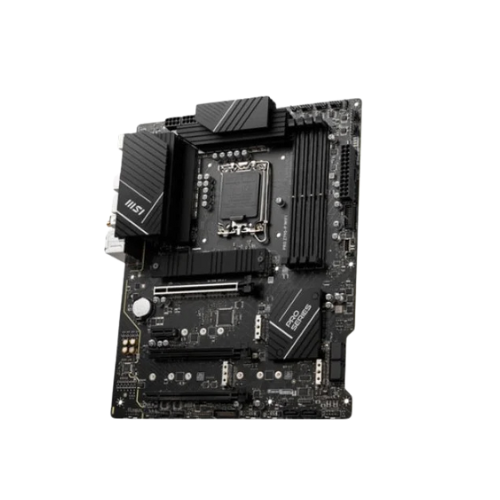
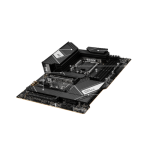
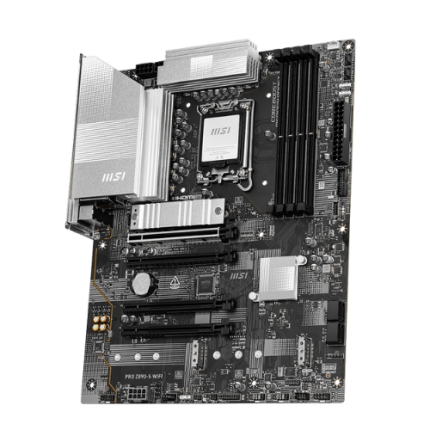
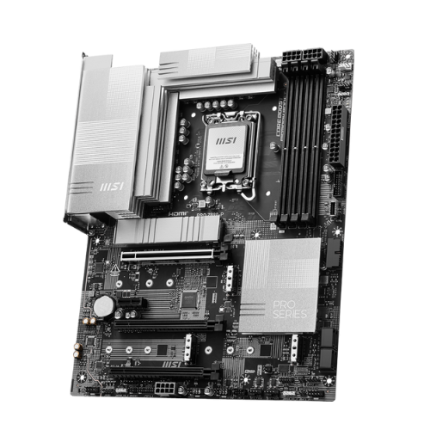
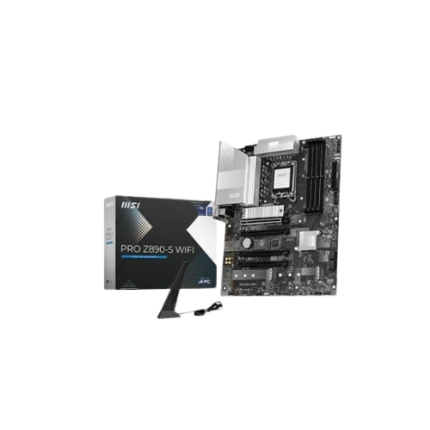
The MSI PRO Z790-A MAX WIFI DDR5 12th/13th/14th GEN MOTHERBOARD is a strong and smart motherboard. It works with Intel’s 12th, 13th, and 14th Gen CPUs. It gives your PC speed, power, and smooth performance. This motherboard is ideal for both work and play, as well as gaming. It supports DDR5 RAM, which is much faster than DDR4. It also features Wi-Fi 6E, which enables faster internet speeds. With fast USB ports and multiple slots for storage and graphics cards, your computer can do more. It is made with smart design and strong build quality. It’s ideal for both novice and experienced PC builders.
Detailed Specs Table (After 100 Words)
| Feature | Details |
|---|---|
| Motherboard Name | MSI PRO Z790-A MAX WIFI DDR5 |
| CPU Support | Intel 12th/13th/14th Gen (LGA1700 socket) |
| Chipset | Intel Z790 |
| Form Factor | ATX Size |
| Memory Support | 4 x DDR5 DIMMs, Up to 192GB |
| Memory Speed (OC) | 4800 / 5200 / 5600 / 6000 / 6400 / 7000+ MHz |
| Expansion Slots | 1 x PCIe 5.0 x16, 2 x PCIe 3.0 x1 |
| M.2 Slots (NVMe) | 4 x M.2 (Gen4 x4 + Gen3 x4) |
| SATA Ports | 6 x SATA Gb/s |
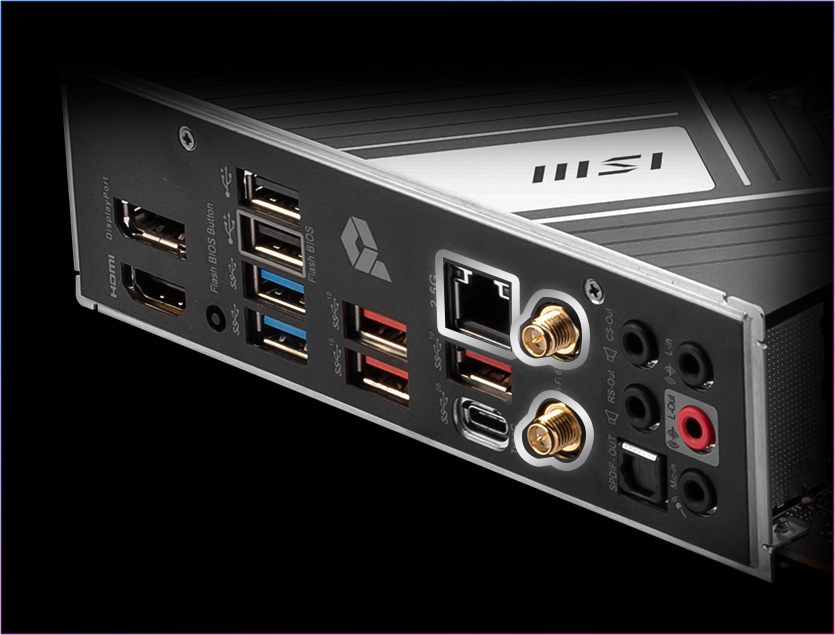
| USB Ports (Rear) | USB-C 3.2 Gen 2×2, USB 3.2 Gen 2 & Gen 1, USB 2.0 |
| USB Front Panel Support | Headers for USB-C, USB 3.2, and USB 2.0 |
| Wireless Support | Intel Wi-Fi 6E & Bluetooth 5.3 |
| LAN | 2.5G LAN (Realtek RTL8125B) |
| Audio | Realtek ALC897 (7.1 Channel HD Audio) |
| Display Outputs | 1 x HDMI 2.1, 1 x DisplayPort 1.4 |
| BIOS Features | Click BIOS 5, Flash BIOS Button |
| Other Features | Debug LEDs, TPM Header, M.2 Shield Frozr, Extended Heatsinks |
| Cooling Support | CPU Fan, AIO Pump, 6 x System Fan Headers |
| Power Phases | 14+1+1 Duet Rail Power System |
Smart Features with Easy Use
This board is built to help your PC run fast every day. It works great for home, work, or gaming. You get all the tools needed to build a future-ready PC.
High-Speed DDR5 Memory
You can install up to 192 GB of DDR5 RAM. This means your programs open fast and run smoothly. Even if you use many apps, your PC won’t slow down. It also supports memory speeds up to 7000 MHz (with overclocking). Therefore, it’s ideal for professional users and gamers.
Works with the Latest Intel Processors
The MSI Z790-A MAX WIFI DDR5 fits Intel’s 12th, 13th, and 14th Gen CPUs. This includes big names like Intel Core i5, i7, and i9. You can select a CPU that suits your budget or requirements. Whether you’re looking for a gaming PC or an editing setup, this board can handle it.
Strong Power Delivery
Power is important. This board has a 14+1+1 power phase system. This gives your CPU clean and steady power. This means less heat and better long-term use. Your high-end CPU will work well and stay cool.
Wi-Fi 6E + Bluetooth 5.3
The board features Wi-Fi 6E, which is extremely fast. It works better in crowded areas as well. You also get Bluetooth 5.3, allowing you to connect devices like headphones, keyboards, or controllers with minimal delay.
Great Cooling Support
Keeping your PC cool is easy. It supports:
- 1 x CPU Fan
- 1 x AIO Pump
- 6 x System Fans
The large heat sinks on this board help remove heat fast. This keeps the system cool, even when performing tasks such as gaming or video editing.
Tons of Ports & Slots
This board gives you lots of places to plug things in:
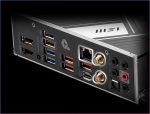
- Rear USB-C (3.2 Gen 2×2)
- USB 3.2 Gen 2 / Gen 1 / USB 2.0 Ports
- HDMI + DisplayPort for onboard graphics
- Front panel USB-C header support
You can also add multiple storage drives. It has 4 M.2 slots and 6 SATA ports. That means fast SSDs and large hard drives can work side by side.
PCIe 5.0 Graphics Slot
The board features a PCIe 5.0 x16 slot, which is the fastest slot for graphics cards available today. This gives better speed, more power, and future support.
You can use high-end GPUs, such as the RTX 4070, 4080, or Radeon 7000 series, with no bottleneck.
Display Outlets for iGPU
Using a CPU with Intel’s onboard graphics? You get:
- 1 HDMI 2.1
- 1 DisplayPort 1.4
These help if you don’t have a GPU yet or are using the PC for office tasks.
Flash BIOS Button + TPM Header
With the Flash BIOS Button, you can update the BIOS using just a USB stick. No CPU, RAM, or GPU needed. This is perfect for first-time builders. Additionally, the TPM header facilitates Windows 11 setup and enhances your PC’s security.
Clear, Clean Audio
This board uses Realtek ALC897 audio. While simple, it gives clear sound for video calls, music, and games. You can still add a sound card later, but for many users, the built-in sound is good enough.
Best For:
- Gamers who want fast RAM and a strong GPU slot
- Creators who use editing tools and lots of storage
- Students/Workers who want a powerful but quiet PC
- PC Builders looking for value and easy setup
- Upgraders moving to DDR5 and new Intel chips
Easy to Build, Easy to Upgrade
This board is ready for beginners. The layout is simple. The ports are clearly marked. MSI adds tools like “EZ Debug LEDs” that show problems during setup. You can build or upgrade your PC without feeling lost.
Final Thoughts
The MSI PRO Z790-A MAX WIFI DDR5 is a smart pick. It’s fast, cool, strong, and ready for the future. You get support for:
- Intel 14th Gen CPUs
- DDR5 RAM at 7000+ MHz
- Wi-Fi 6E, USB-C, and PCIe 5.0
- Plenty of ports and storage
- A simple build process
It gives you high-end features at a mid-range price. If you’re building a PC today that will last for the next 5–7 years, this board is a great choice.




Reviews
There are no reviews yet.