
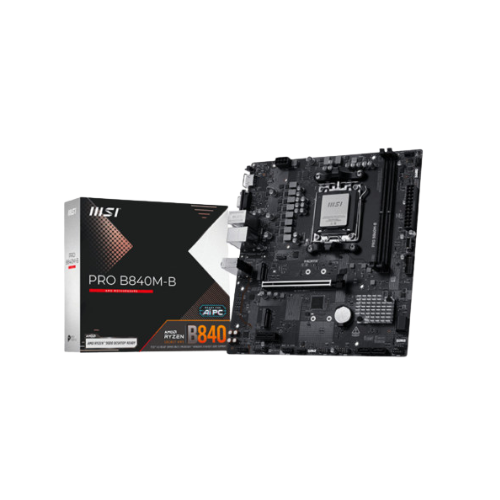


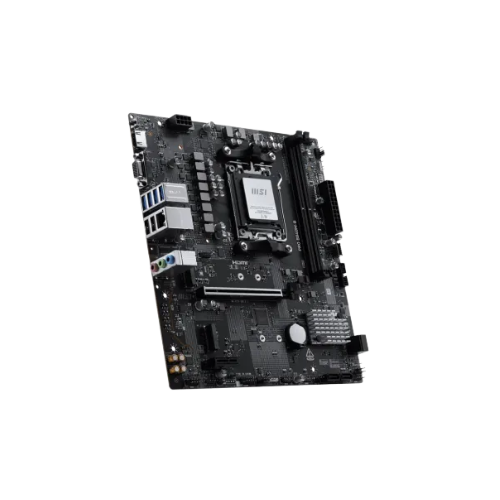
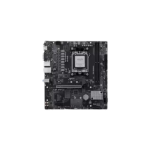
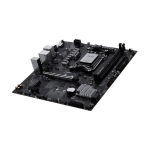
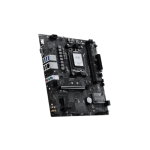
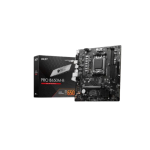
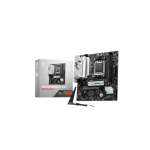
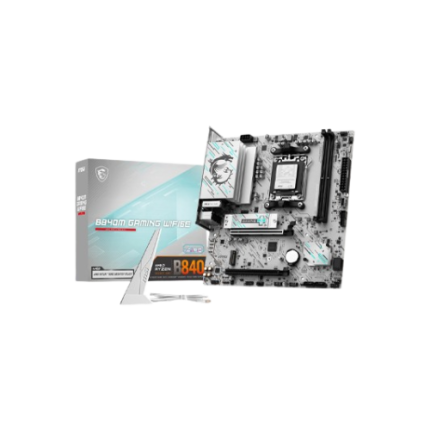
MSI PRO B840M-B AMD AM5 mATX Motherboard
Original price was: 15,500৳ .15,300৳ Current price is: 15,300৳ .
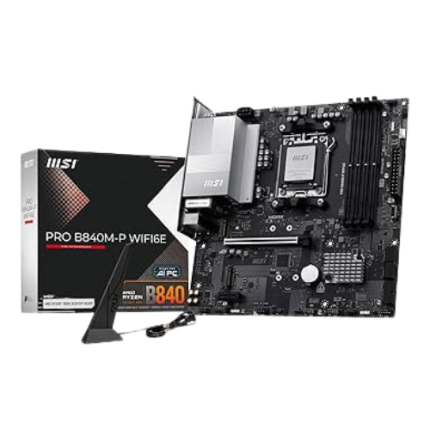
The MSI PRO B840M-B AMD AM5 mATX Motherboard is designed for AMD Ryzen 7000-series processors. It uses the AM5 socket and is packed with features. It supports fast DDR5 RAM and quick M.2 storage, and it offers important tools to keep your PC stable.
This board is great for students, small office builds, home users, and first-time PC builders. It gives you the latest platform at a lower cost. Simple design, strong performance, and easy setup make this board a smart choice for modern systems.
Now, let’s take a look at all the features in a simple table!
Specifications Table: MSI PRO B840M-B AM5 mATX
| Feature | Details |
|---|---|
| Socket | AM5 |
| CPU Support | AMD Ryzen 7000 Series (Zen 4) |
| Chipset | AMD B840 |
| Form Factor | Micro-ATX (mATX) |
| Memory Type | DDR5 up to 6400+ MHz (OC) |
| RAM Slots | 2× DDR5 DIMMs, up to 96GB |
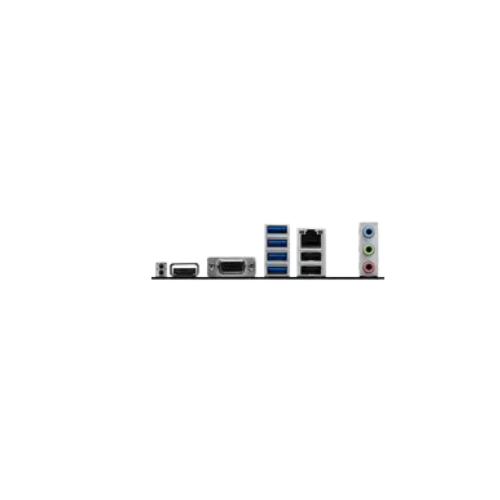
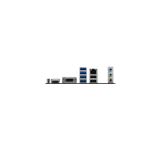
| Graphics Outputs | 1× HDMI 2.1, 1× DisplayPort 1.4 |
| Expansion Slots | 1× PCIe 4.0 x16, 2× PCIe 3.0 x1 |
| Storage Options | 1× M.2 Gen 4 x4, 4× SATA III |
| Audio Codec | Realtek ALC897 7.1 HD Audio |
| LAN | Realtek Gigabit LAN |
| USB Support | USB 3.2 Gen 1 Type-A, USB 2.0, USB-C (front header) |
| BIOS | Click BIOS 5, Flash BIOS Button |
| Special Features | Core Boost, Audio Boost, TPM 2.0, Steel PCIe Slot, EZ Debug LED |
Ready for AMD Ryzen 7000 CPUs
The MSI B840M-B uses AM5. It works with AMD Ryzen 7000 chips, including Ryzen 5, Ryzen 7, and Ryzen 9. These CPUs are modern, fast, and power-efficient. You get better speed, good support, and long-term value with this socket.
Fast Memory with DDR5 Support
This board supports DDR5 RAM. This is the newest memory type. It’s faster and uses power more efficiently than DDR4.
The board has:
- 2 slots for RAM
- Supports up to 96GB total
- Works with RAM up to 6400+ MHz (when overclocked)
This means fast boots, easy multitasking, and smooth use for most tasks.
HDMI and DisplayPort for Easy Video
If your AMD CPU has integrated graphics, you can use your monitor right away.
This board includes:
- HDMI 2.1 port – supports high resolutions
- DisplayPort 1.4—works with most screens
No graphics card? No problem.
You can enjoy movies, work, or browse without buying a GPU.
PCIe Support for Graphics and Extras
You get:
- 1 PCIe 4.0 x16 slot—use it for a graphics card
- 2 PCIe 3.0 x1 slots – use these for extras like sound or Wi-Fi cards
Even though it’s a small motherboard, you still have room to upgrade.
The PCIe x16 slot has armor to protect heavy graphics cards from bending or damage.
Fast Storage with M.2 and SATA
This board includes:
- 1 x M.2 slot with PCIe 4.0 x4 speed
- 4 x SATA ports for standard SSDs or large hard drives
You can install Windows on an M.2 drive for fast booting and use SATA slots for additional storage.
Everything loads faster. Apps, games, and even the system feel quick with the right storage.
Lots of USB Ports
It includes:
- USB 3.2 Gen 1 for fast file transfer
- USB 2.0 for mouse, keyboard, or printer
- USB-C header for front panel (if your case supports it)
You can easily plug in drives, gamepads, phones, or other gear.
Realtek Gigabit LAN
Online work, downloads, or streaming? You’re covered. This board has a Realtek 1 Gbps LAN port. It offers a strong, stable, and fast connection. No lags, no drops. Perfect for work-from-home setups and media PCs.
Clear Sound with Audio Boost
The built-in Realtek ALC897 chip supports 7.1 surround sound. You’ll hear the details clearly whether you’re:
- Watching a movie
- Playing a game
- On a video call
- Listening to music
Audio Boost makes the sound louder and cleaner. No need for extra sound cards unless you’re an audio pro.
Simple BIOS with Flash Button
This board includes Click BIOS 5. It’s simple, with clear tabs and easy tools. The Flash BIOS Button lets you update the BIOS even without a CPU or RAM. All you need is a USB stick. This helps a lot if you’re using a newer CPU that needs a BIOS update.
EZ Debug LED – Find Issues Fast
The board includes EZ Debug LEDs. These lights help you know what’s wrong if your PC doesn’t start.
Each LED points to an issue:
- CPU
- RAM
- Graphics Card
- Boot Device
This makes fixing problems faster and easier—even for beginners.
Supports TPM for Windows 11
Need to install Windows 11? No worries! This board supports TPM 2.0, which is required by Microsoft for new security features. You can install and safely run Windows 11 without issues.
Who Should Buy This Motherboard?
The MSI PRO B840M-B is good for:
- 🧑🎓 Students
- 💻 Work-from-home setups
- 🎮 Basic gaming PCs
- 🏡 Home office PCs
- 🛠️ First-time PC builders
It’s made for people who want value, not extra fluff. You get new tech like DDR5 and PCIe 4.0 without breaking the bank.
Pros and Cons
Pros:
- AM5 socket for Ryzen 7000 chips
- DDR5 RAM support (up to 96GB)
- HDMI and DisplayPort onboard
- PCIe 4.0 support for GPU
- M.2 slot for fast SSDs
- Flash BIOS and Debug LED included
- USB-C front header
- Great price-performance ratio
Cons:
- Only 2 RAM slots
- No built-in Wi-Fi
- No RGB lighting (for those who want flashy builds)
Summary Recap – MSI PRO B840M-B AM5 Board
Let’s go over the highlights one more time:
- ✅ For AMD Ryzen 7000 CPUs
- ✅ Uses AM5 socket and B840 chipset
- ✅ Supports DDR5 memory up to 96GB
- ✅ PCIe 4.0 for faster graphics and drives
- ✅ One M.2 and four SATA ports
- ✅ HDMI + DisplayPort for built-in graphics
- ✅ Flash BIOS Button for safe updates
- ✅ EZ Debug LED for easy error tracking
- ✅ Good for home and office builds
Final Thoughts
If you want a modern, budget AMD motherboard that supports DDR5, M.2 storage, and Ryzen 7000, the MSI PRO B840M-B is a strong choice. It’s great for casual gamers, students, small offices, or first-time builders. It offers all the core features you need without the high price.


Reviews
There are no reviews yet.