
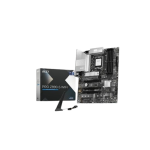
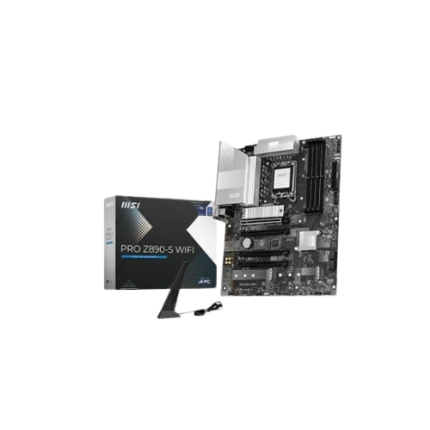
MSI PRO Z890-P (Wi-Fi 7) DDR5 Intel Motherboard
Original price was: 41,000৳ .37,800৳ Current price is: 37,800৳ .
The MSI PRO Z890-P (Wi-Fi 7) DDR5 Intel Motherboard is a smart and strong motherboard. It helps your computer run fast and smoothly. It is great for work and fun. This board works well with the latest Intel processors. You can use new chips, such as the Intel Core i9, i7, or i5. It also uses DDR5 memory, which is very fast. You can add a significant amount of RAM to further enhance your computer’s performance.
Fast and Big Memory
This board can handle up to 256 GB of DDR5 RAM. That’s a lot! It helps when you play games or open large apps. There are four memory slots, allowing for future upgrades if desired.
Super-Fast Storage Options
The MSI PRO Z890-P lets you add up to four M.2 drives. These drives are small but very fast. You can use them to load games and files in seconds. The board also has six SATA ports. These are for older hard drives you may still use.
You can mix old drives with new ones. This gives you more space for all your stuff—like games, photos, or work files.
Strong and Cool Design
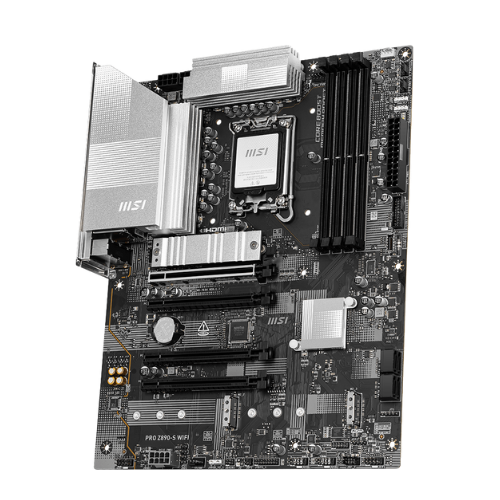
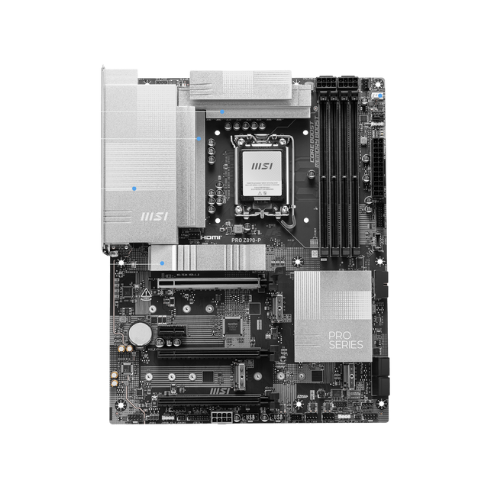
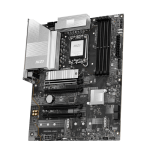
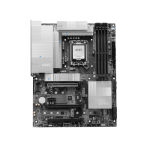
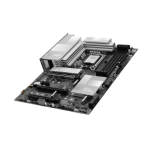
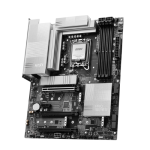
This board is built to last. It uses tough parts that won’t break easily. It also features large heat sinks to maintain system cooling. Your PC stays quiet and smooth, even when you work or play for hours. The heatsinks sit on components that generate heat. They pull the heat away fast. That helps your PC stay safe and fast.
Fast Internet with Wi-Fi 7
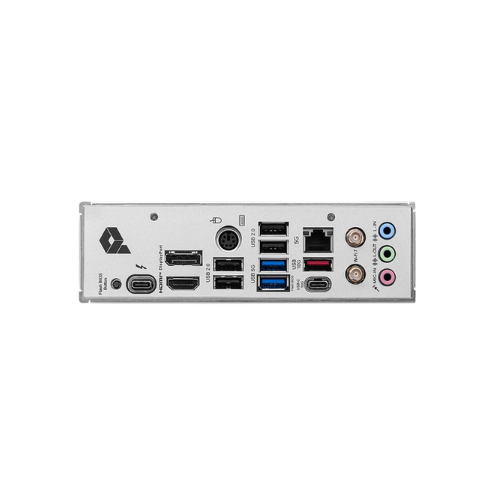
This board comes with the new Wi-Fi 7. It makes your wireless internet super fast and stable. You can stream, play games, or join calls without delay. If you like wired internet, that works too. The board has a 2.5G LAN port. It gives you fast and steady speed with a cable.
Lots of USB Ports
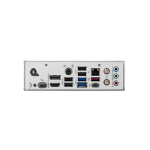
The back panel has many ports. You can plug in your mouse, keyboard, headset, or printer. Some ports are USB 2.0, and some are faster USB 3.2. One of the ports is USB-C. You can move large files fast with it. Plug in new phones, USB drives, or other devices with ease.
Easy Setup and Build
Building your PC is easy with this board. It fits well in most large cases. The parts open up in smart ways. This helps you plug in cables or upgrade later. The BIOS (Basic Input/Output System) is easy to use. You press a button, and it starts. You can set everything up in just a few steps. Even first-time users can do it!
Great for Work and Fun
Do you use your PC for schoolwork, video editing, or playing long games? This board can help you do all that. It gives your system the power to run fast apps, tools, and programs. You can open many tabs, apps, or games at once. No lag. No, wait. Everything just works. It’s a great board for people who need more speed.
Long Life and Good Looks
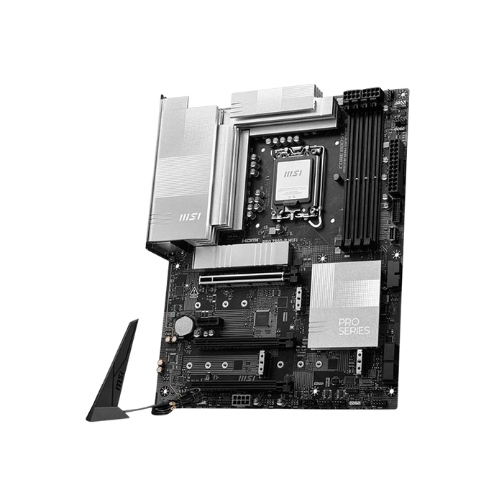
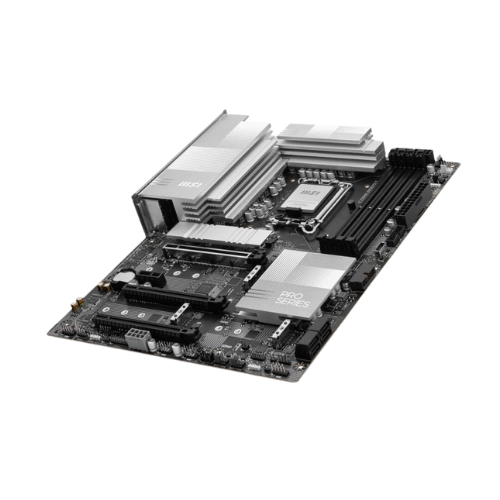
This board looks clean and strong. It uses black and silver parts. It matches many new cases and lights. Additionally, it is manufactured by MSI, a renowned brand that produces high-quality PC components. That means better support, good quality, and system updates.
Specification Table (After 100 Words)
| Feature | Details |
|---|---|
| Model | MSI PRO Z890-P Wi-Fi 7 DDR5 |
| CPU Support | Intel 14th, 13th, and 12th Gen Core (LGA 1700) |
| Chipset | Intel Z890 |
| Memory Type | DDR5 |
| Max Memory Capacity | Up to 256GB |
| Memory Slots | 4x DDR5 DIMM Slots |
| M.2 Slots | 4x M.2 (PCIe Gen4 + Gen5 supported) |
| SATA Ports | 6x SATA Gb/s |
| Wi-Fi | Wi-Fi 7 (802.11be) |
| LAN Port | 1 x Realtek 2.5G LAN |
| Rear USB Ports | USB 2.0, USB 3.2 Gen1, USB 3.2 Gen2, USB-C |
| Form Factor | ATX |
| PCIe Slots | 1x PCIe 5.0 x16, 1x PCIe 4.0 x1 |
| Audio | Realtek ALC897 7.1 HD Audio |
| BIOS | User-friendly UEFI BIOS Interface |
| Cooling | Extended heatsinks on VRM and chipset |
| Build Help | Pre-installed I/O shield, easy DIY design |
| Other Features | TPM support, Resize BAR, MSI Center, Debug LEDs |
Simple Setup Tips
- First, plug in your CPU.
- Then, add the RAM sticks.
- Plug in M.2 or SATA drives.
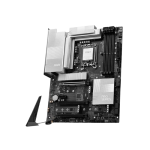
- Add the Wi-Fi antenna.
- Connect power and cables.
- Turn it on and set it up in the BIOS.
All done! You’re ready to install Windows or Linux.
Why Pick This Motherboard?
- It’s fast.
- It supports new chips and new RAM.
- It has many slots and ports.
- It gives a steady net speed.
- It stays cool and quiet.
- It’s easy to set up.
- It works well for a long time.
This board is a great pick for builders who want good speed and easy setup. It’s also ideal for anyone seeking a PC that lasts.
Final Thoughts
The MSI PRO Z890-P Wi-Fi 7 is a top choice for many users. It mixes speed, style, and smarts in one board. You can do work, play games, or both.
With DDR5 RAM, Wi-Fi 7, and fast M.2 slots, your system stays ready for the future. And thanks to MSI’s simple layout, you don’t need to be an expert to use it.
It’s fast. It’s strong. And it’s easy to use. A great deal for your next build.



Reviews
There are no reviews yet.