
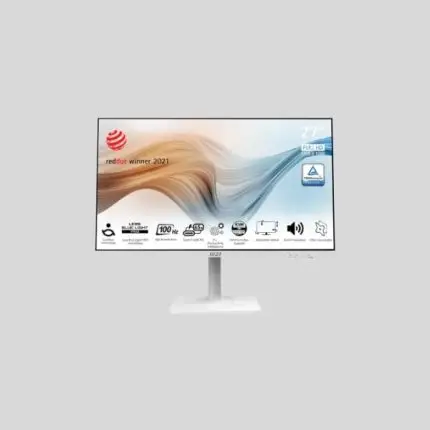
MSI Modern MD272UPSW is a 27-inch smart monitor
Original price was: 73,000৳ .70,500৳ Current price is: 70,500৳ .
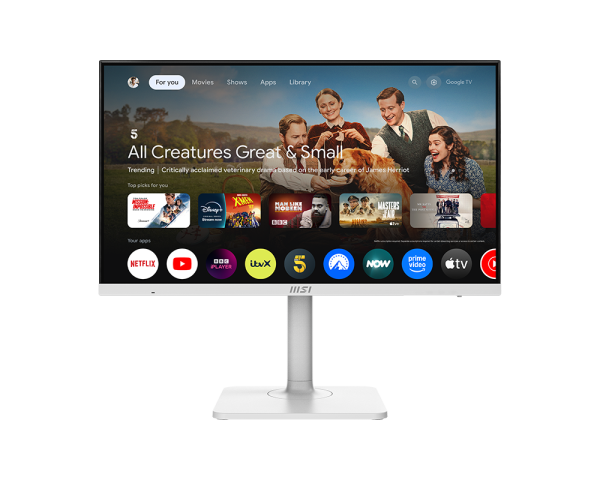
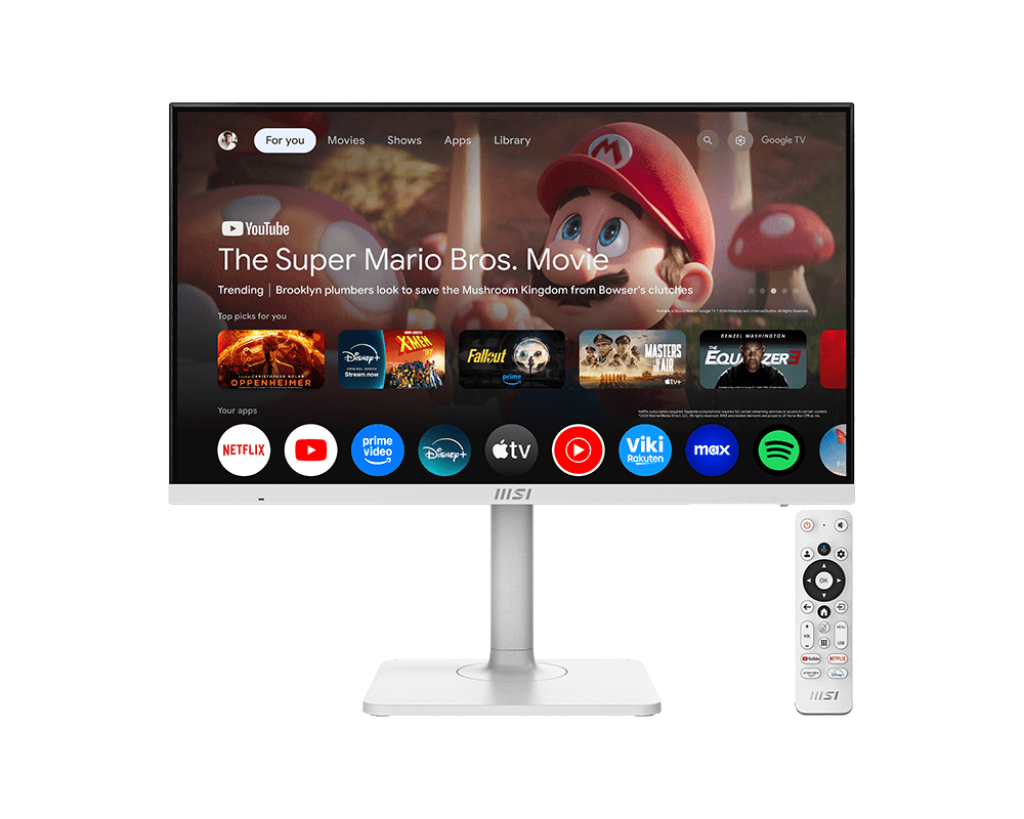
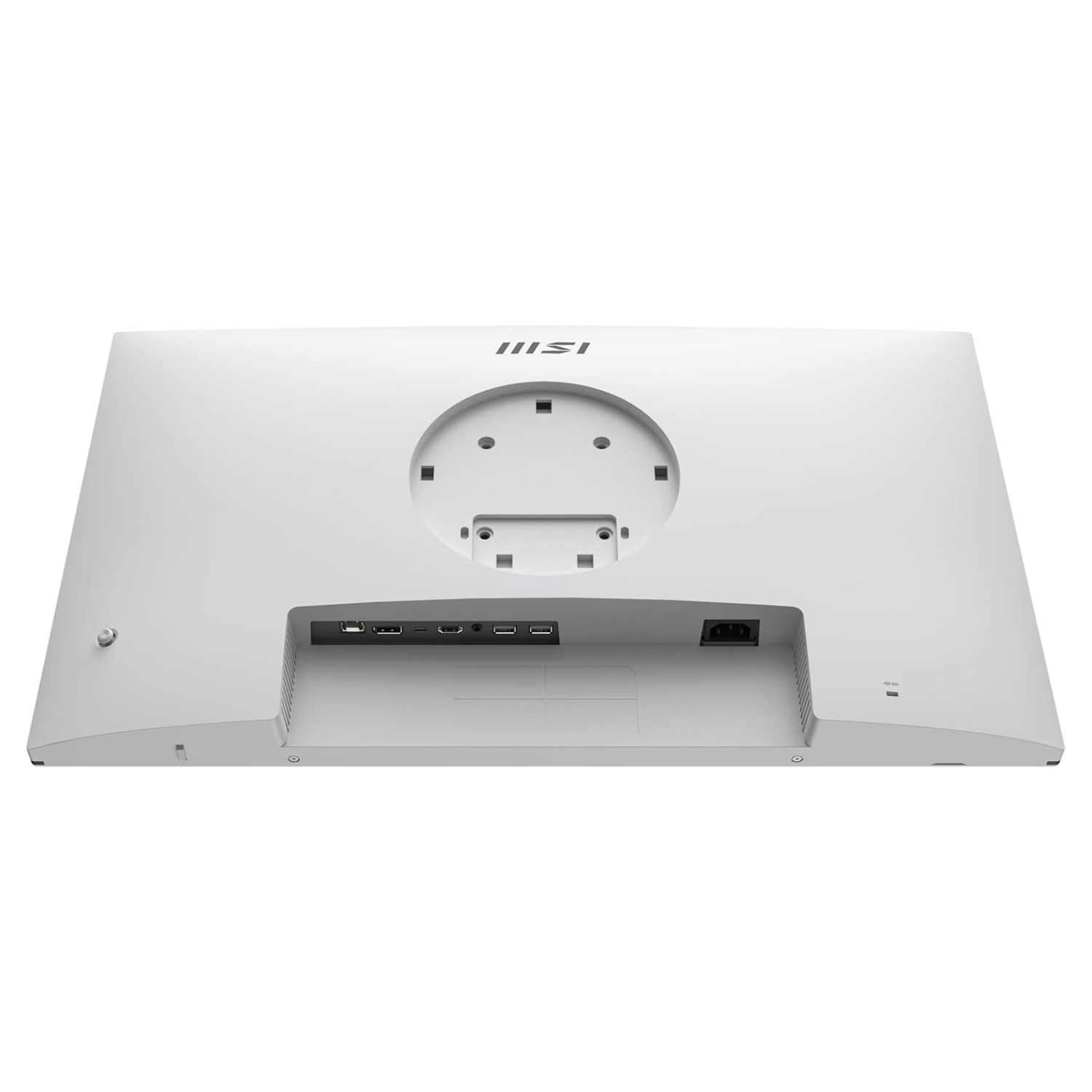
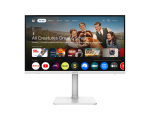
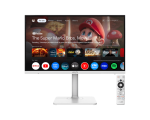
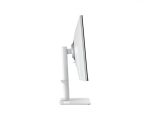
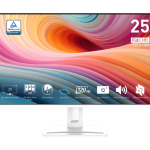
The MSI Modern MD272UPSW is a 27-inch smart monitor. It shows crystal-clear 4K images. This means you see sharp pictures every time. It has a 3840×2160 resolution. So, your work, photos, and videos all look clean and bright. The 60 Hz refresh rate makes it smooth enough for everyday use, like watching videos or browsing. This screen uses IPS technology. That means colors remain the same, regardless of where you sit. You get great color and clear views from every angle. The monitor comes with USB-C. You can plug in your laptop to charge, send video, and move files—
Table After 100 Words – Detailed Specifications
| Feature | Details |
|---|---|
| Screen Size | 27 inches |
| Resolution | 4K UHD (3840 x 2160) |
| Panel Type | IPS (In-Plane Switching) |
| Refresh Rate | 60Hz |
| Color Accuracy | Great, with vivid and rich tones |
| Viewing Angle | 178° wide viewing |
| USB-C Support | Yes (65W charging + display + data) |
| Speakers | Built-in, 2x 2W |
| Stand Features | Tilt, swivel, height adjust, pivot |
| Eye Care Tech | Anti-Flicker + Low Blue Light |
| VESA Mount Compatible | Yes (75×75 mm) |
| Design Color | Stylish White (modern look) |
| Bezel | Narrow, for multi-screen use |
| Portrait Mode | Yes (Vertical Rotation Supported) |
| Software Support | MSI Display Kit |
| Use Case | Office Work, Media, Design, Learning |
| Warranty | 3 Years (region-dependent) |
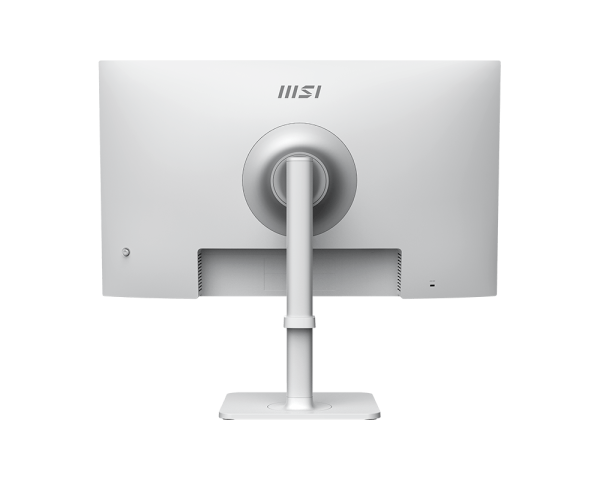
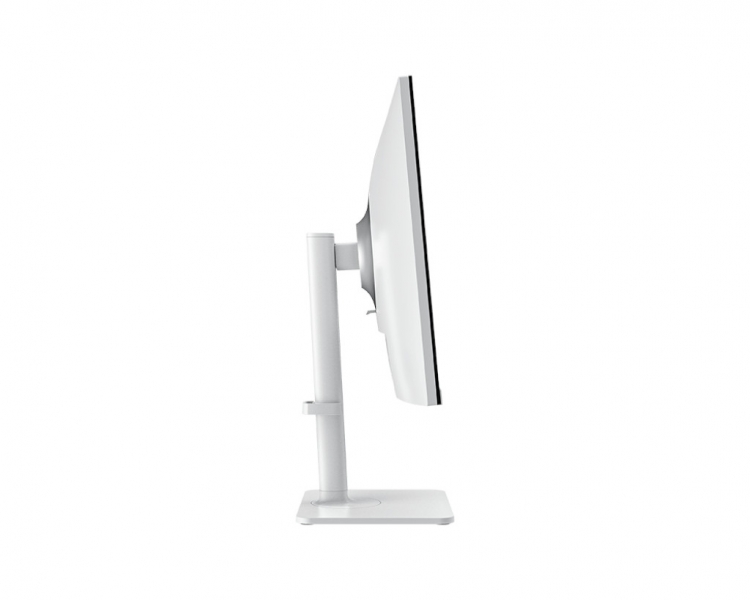
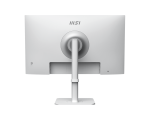
all through one cable. That means less mess on your desk. There are built-in speakers. They work fine for calls or watching short videos. The screen also protects your eyes with two smart features: anti-flicker and low blue light. These make sure your eyes don’t get tired quickly. You can also adjust the screen position by moving it up or down. You can tilt it or turn it up to fit your space. Want to stand it straight up? No problem. It turns easily to portrait mode. This monitor features a clean, white design. It fits well in both home and office spaces. It is also good for double screens because of its thin bezels on the sides. Whether you work with text, make video calls, write code, or simply enjoy 4K video, the Modern MD272UPSW can help.
More Reasons to Like the MSI MD272UPSW
Made for Smart Work
This screen looks great and feels modern. It’s a good tool for people who work every day. It’s easy on the eyes, simple to use, and does many tasks. Plug your laptop into the USB-C port with one cable. You can charge your device and use the monitor simultaneously. You don’t need extra wires.
Keep Your Eyes Safe
The screen has anti-flicker tech. That means it won’t flash rapidly, causing your eyes to strain. It also has low blue light. That helps you feel less tired after a long day.So, you can work longer without hurting your eyes.
Bright and Clear From Every Angle
The IPS screen makes sure colors stay true. Even if someone stands beside you, they will see the same picture. Whether you are drawing, reading, or editing, things will look correct.
Move or Rotate with Ease
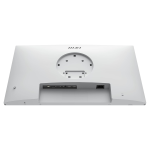
Do you work with long pages or write code? You can flip the screen to a tall, portrait mode. This helps when reading or listing data. The stand lifts, turns, and tilts any way you like. It also works with VESA mounts, allowing you to hang it up.
Easy to Connect Everything
The USB-C port can do many things:
- Charge up to 65W
- Show video from the laptop
- Transfer data fast
It also has HDMI and DP for older setups.
Speakers Built-In
You don’t need extra speakers for basic use. The monitor gives sound that works for:
- Video calls
- Short videos
- Alerts or system sounds
If you want a louder or deeper sound, you can add another speaker.
Control Made Easy
MSI’s Display Kit software helps you:
- Change modes quickly
- Set brightness levels
- Split the screen or zoom
- Use tools with just your mouse
It’s very simple, even for new users.
Who Should Use This Monitor?
This screen is great for:
- People working from home
- Office workers and teachers
- Students in online classes
- Designers who care about clear detail
- Business owners want style and function
Pros and Cons
Pros
- Stunning 4K resolution
- IPS panel with rich colors
- USB-C gives charging and display
- Smart eye care features
- Fully adjustable stand
- Portrait mode support
- Stylish, modern look
Cons
- The refresh rate is only 60 Hz (not for gamers)
- Built-in speakers are basic
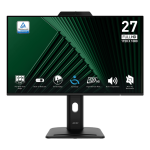
- No built-in webcam
Final Thoughts
The MSI Modern MD272UPSW is a monitor that mixes style with smart features. It looks great on your desk and works even better. The 4K screen gives clear views. The eye care tools protect your health. And the USB-C connection keeps things neat.If you’re looking for a clean, color-rich, and sharp monitor for work or study, this is a great choice. It’s not made for gaming, but it shines in everything else. Simple. Clear. Bright. Smart.





Reviews
There are no reviews yet.